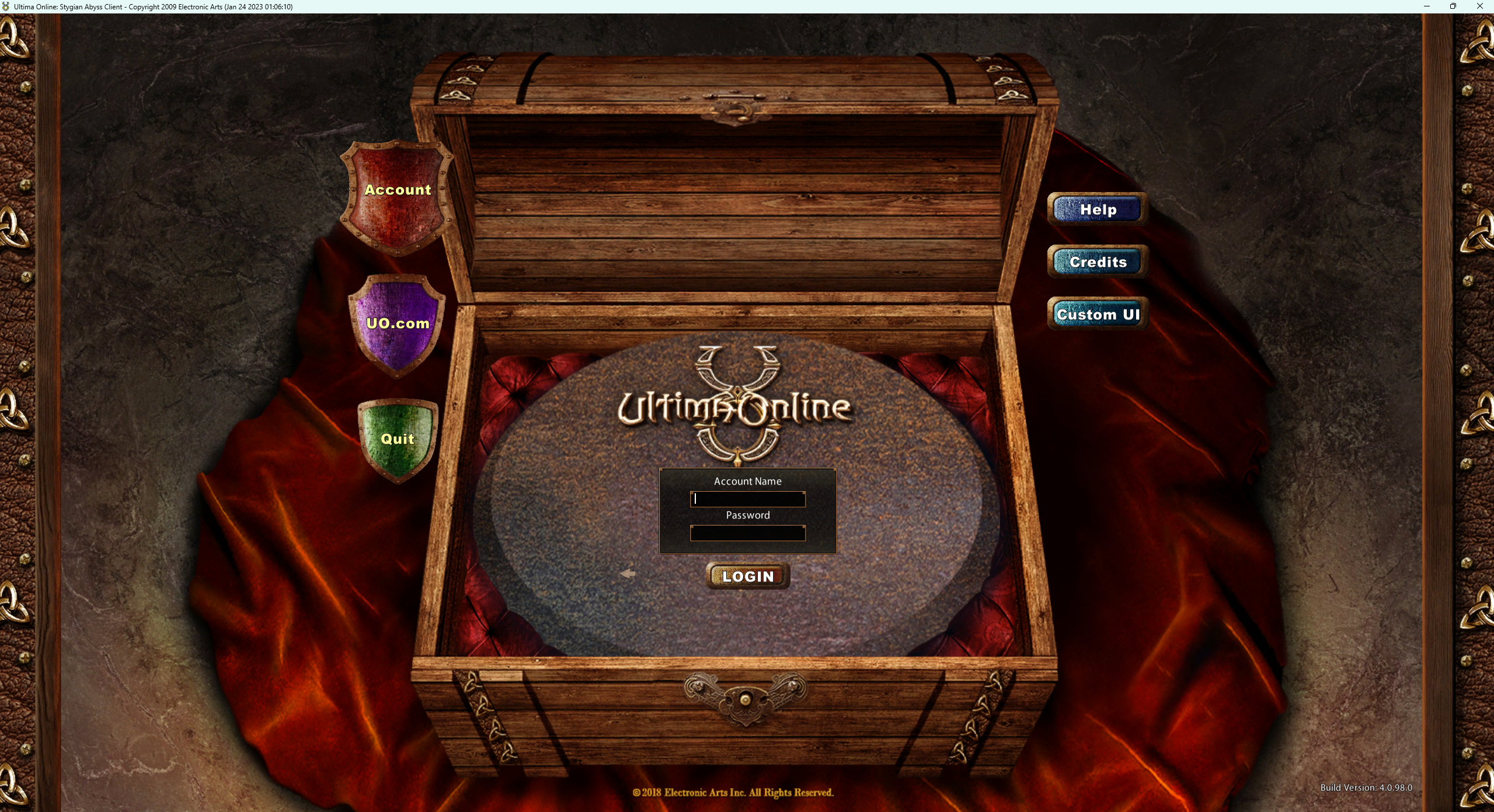
Enhanced 3D Launcher
With the Ultimate World Enhanced 3D Launcher you can connect to our server with 3D graphics. Download Ultimate World Enhanced 3D Client
Extract it to your C: drive, into the folder \Program Files (x86)\ - otherwise you will not be able to log in to our server!
Once the file is in place the location should look like this: C:\Program Files (x86)\UOECLauncher
If you run into any trouble, be sure to reach us on our Discord.
As the IP address: login.ultimateuo.com
As the port: you have to enter 2593.
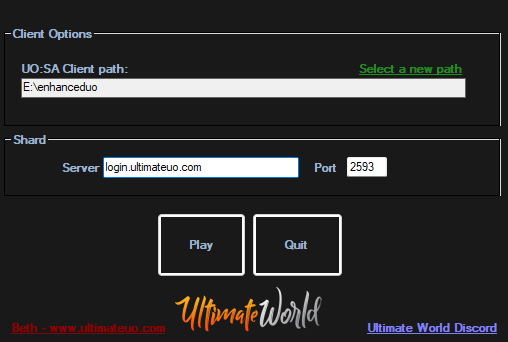
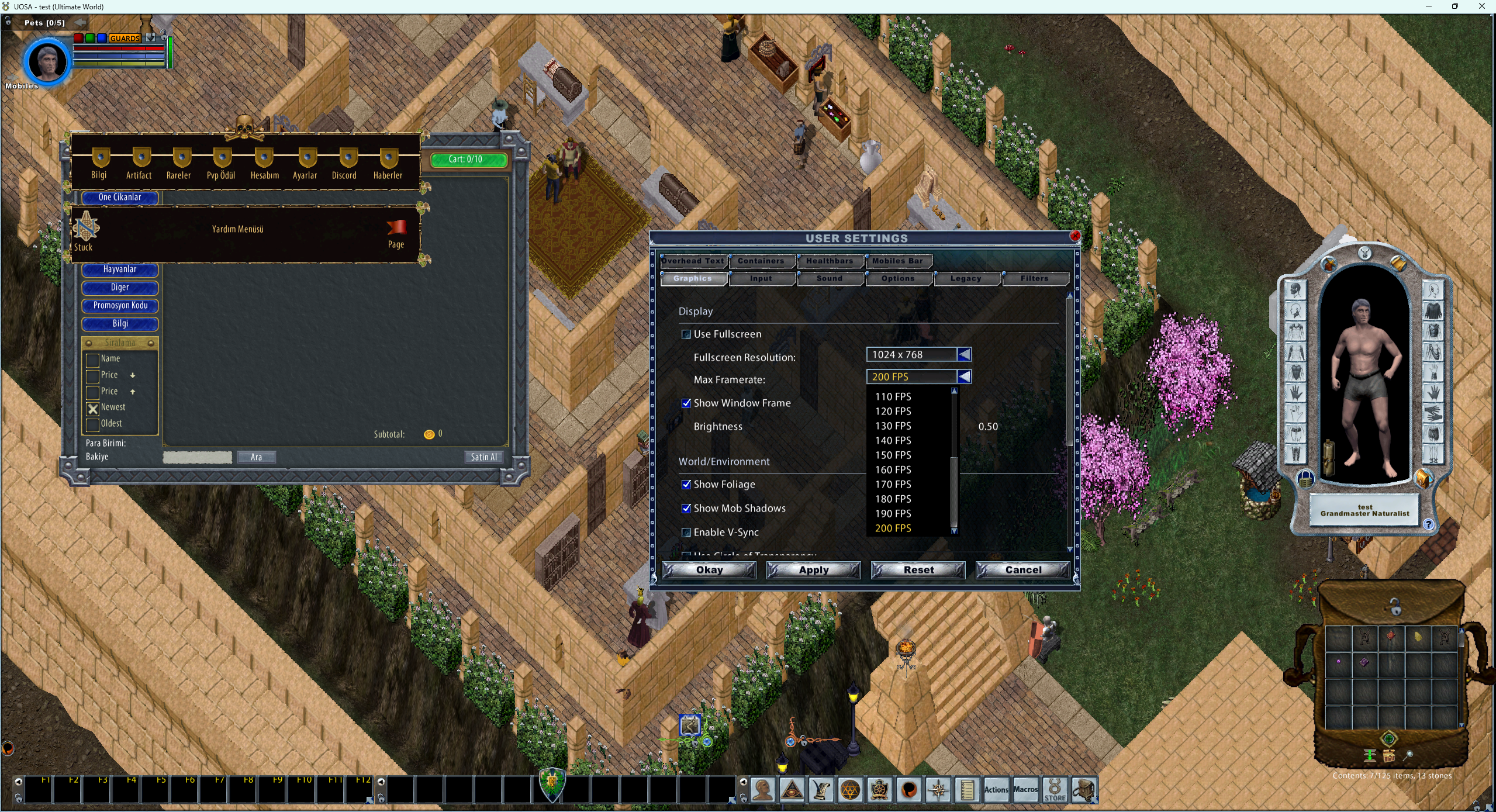

UO:SA Client Path: click on "Select a new path" and choose the folder where your Ultima Online Enhanced Client is installed. Then launch it.
On the screen that opens, type in your account details and click "Login" to connect to the game.